Uncap your keyboard,
mouse, and Mac
A Hyper Key, modifier chords, window management and more
in one lightweight macOS app.
Hyper Key
Turn Caps Lock into ⇧⌃⌥⌘ — one key for all your shortcuts.
Modifier Keys
Meh and Phew chords map a modifier to your favourite combinations.
Vim Motions
H J K L become arrow keys while the Hyper Key is held.
Snippets
Type a short keyword and it expands into whatever text you set.
Clipboard
Copy as plain text automatically, and keep a private history.
Mouse Buttons
Remap standard and third-party mouse buttons to any action.
Windows & System
Snap windows and trigger system actions with global hotkeys.
Trackpad Gestures
Fire any multi-finger gesture from a keyboard shortcut you choose.
iCloud Sync
Your shortcuts, snippets, mouse buttons, and every other setting stay the same on all your Macs.
Flagship
The Hyper Key
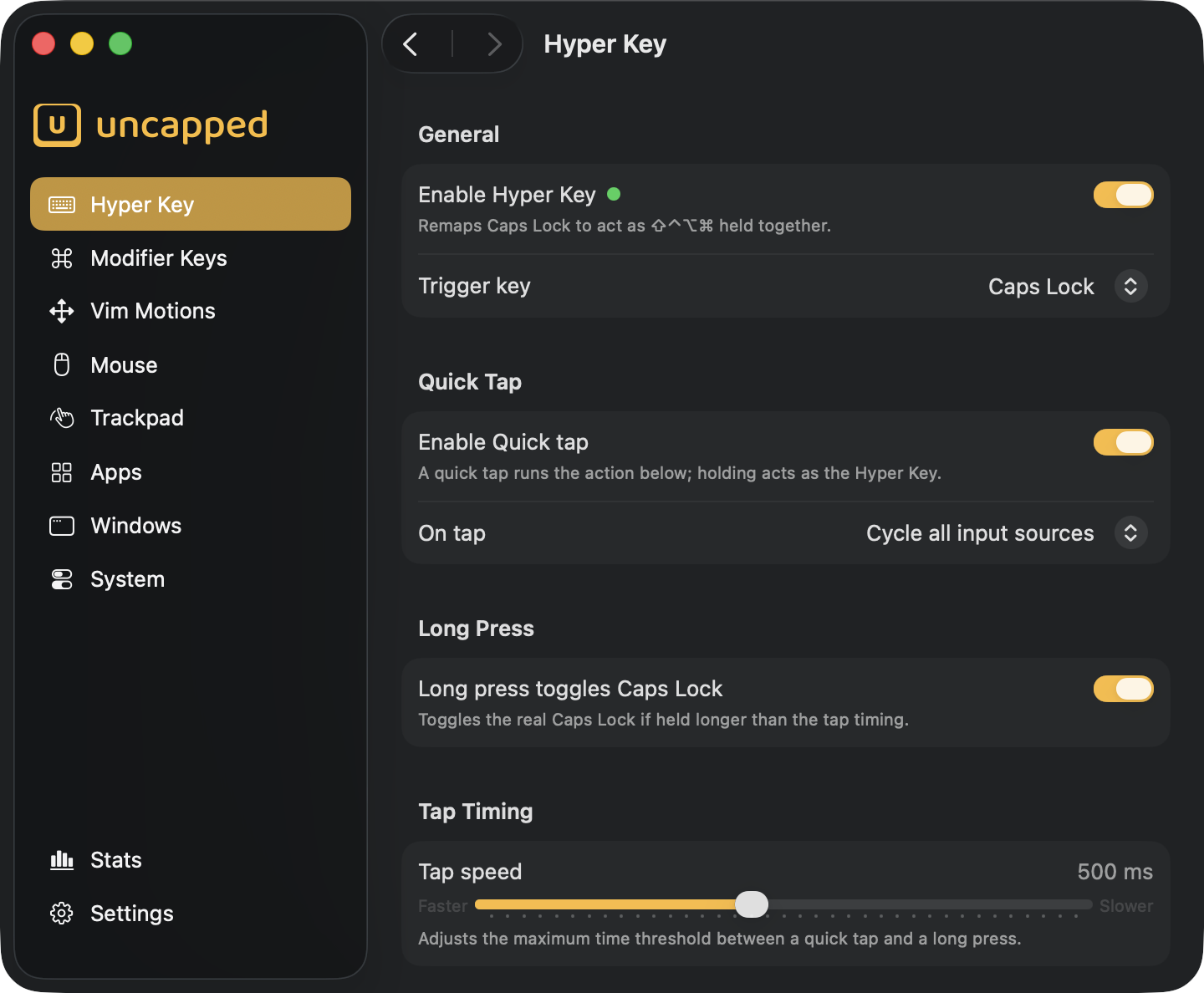
Turn Caps Lock into ⇧⌃⌥⌘ — one key behind every shortcut, with nothing left to clash.
One key, every modifier
Hold Caps Lock to fire ⇧⌃⌥⌘ — a combination nothing else uses, so your shortcuts never clash.
Tap for a second action
A quick tap can switch input source, send Escape, or toggle Caps Lock; hold it for the Hyper Key.
Tuned to your hands
Set the tap timing, show an on-screen input indicator, and auto-recover after other keyboard tools quit.
Two more keys
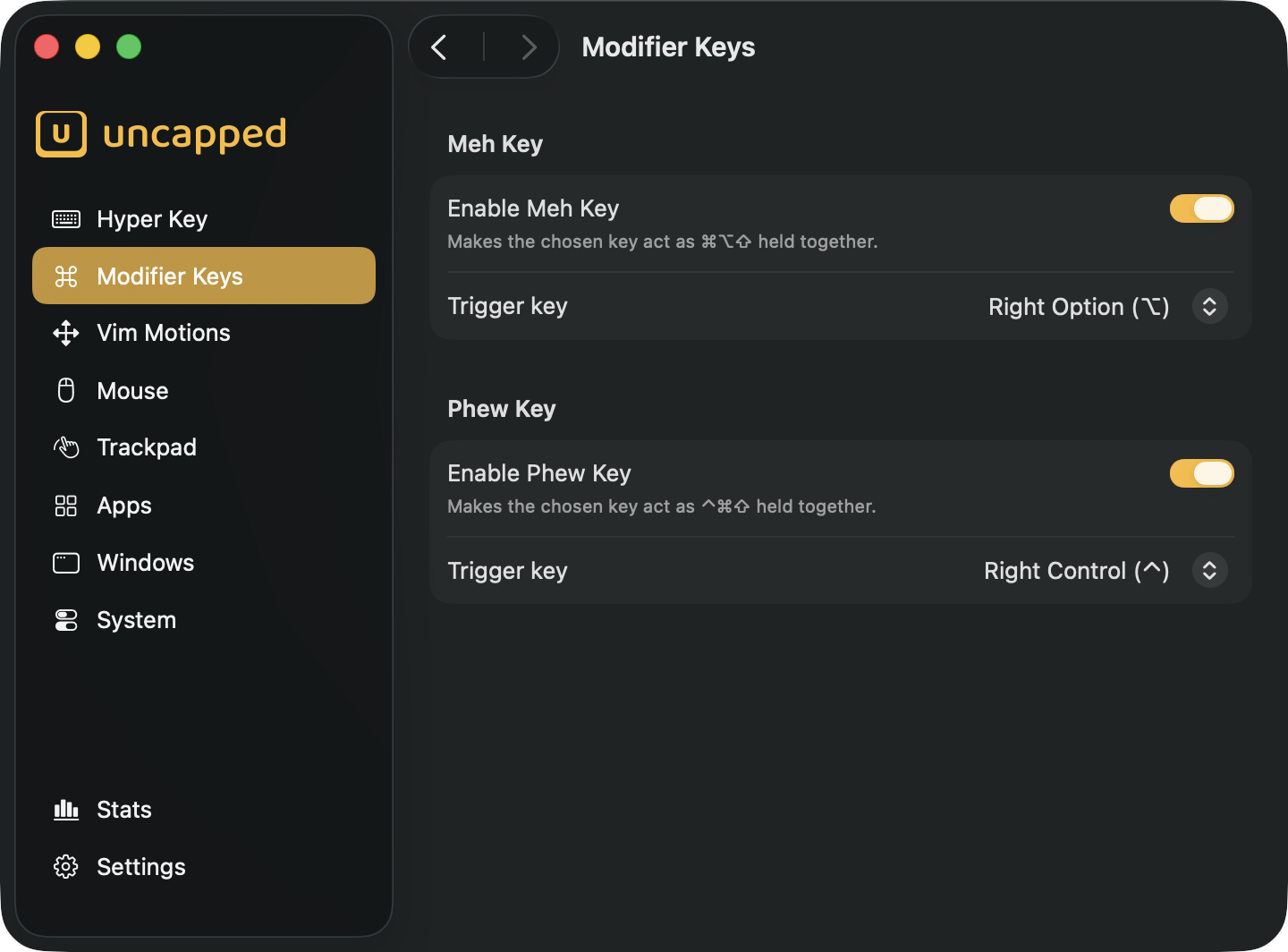
Meh and Phew, your backup chords
Not enough with one conflict-free key? Add two more, each a single key that stands in for three modifiers at once.
The Meh Key
Hold it to fire ⌘⌥⇧ — a three-modifier chord almost nothing else claims.
The Phew Key
A companion key for ⌃⌘⇧, giving you a third personal shortcut layer.
Your keys, your triggers
Map each to any spare key and pair it with anything to invent shortcuts.
Home-row navigation
Arrow keys, without the reach
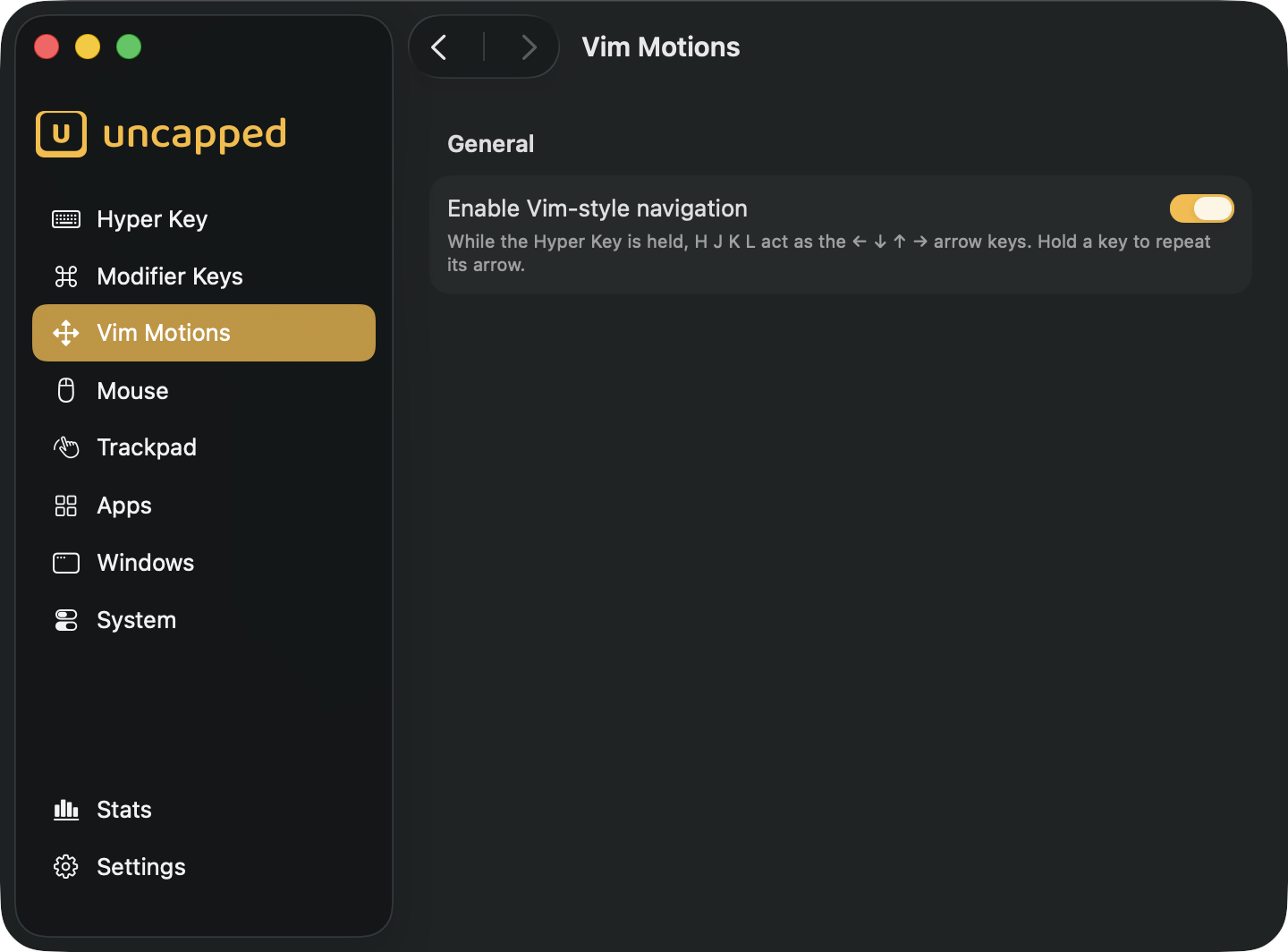
Hold the Hyper Key and H J K L become ← ↓ ↑ → in every app.
Keep your hands on the home row while you edit — a browser field, a note, an email, anywhere you’d reach for an arrow. It’s the muscle memory Vim users swear by, brought to your whole Mac.
Snippets
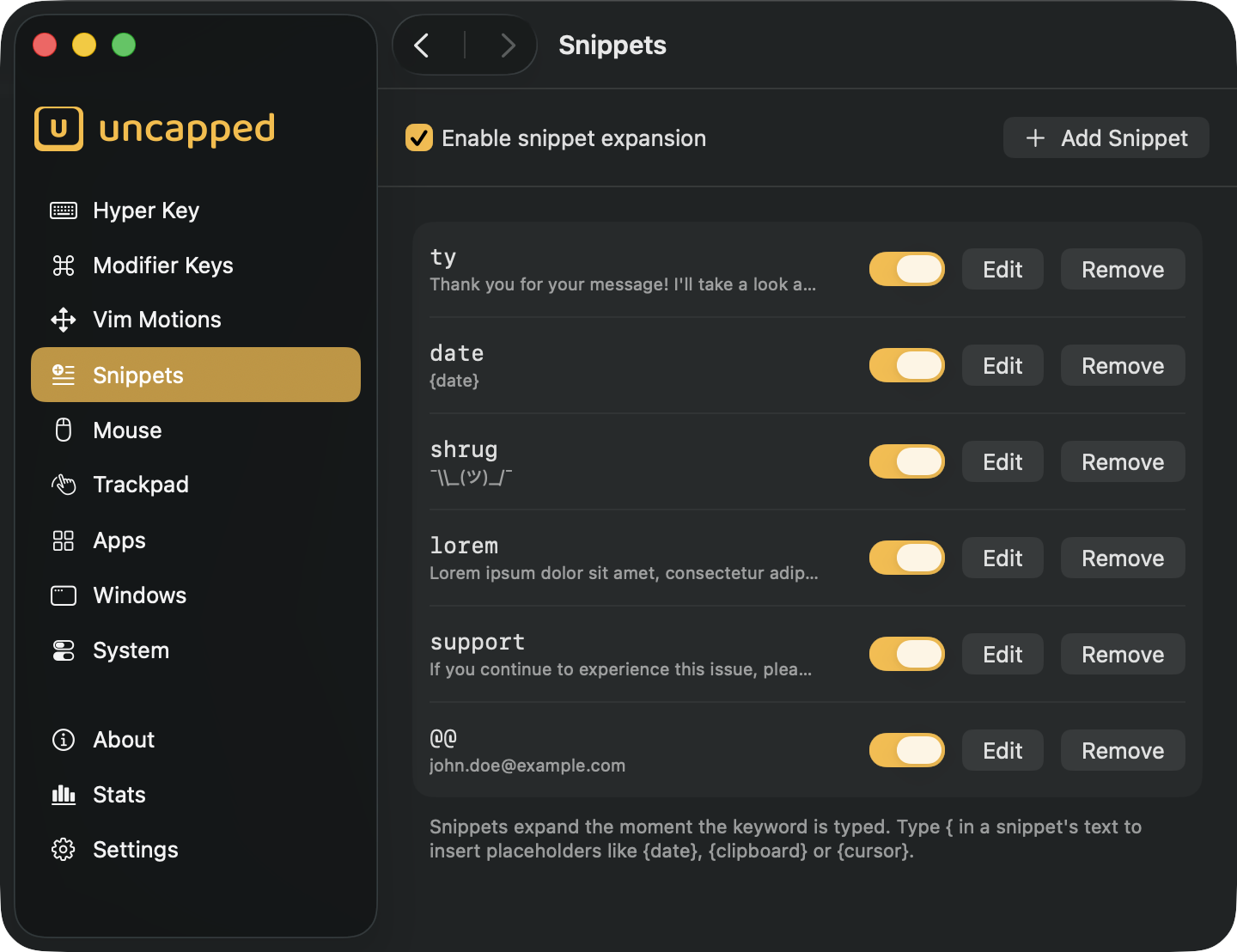
Type a little, get a lot
Set a short keyword and Uncapped expands it into whatever you want — a canned reply, an address, a block of code — in any app.
Type less, everywhere
Type ty and it becomes “thank you” the moment you finish — in a browser, a chat, your editor, anywhere.
Placeholders that fill themselves in
Drop in today’s date, whatever you last copied, or the spot your cursor should land — the picker lists them all with a live preview.
Forgiving by design
Mistype a keyword and fix it, and it still fires; and it never expands in a password field.
Clipboard
A clipboard that behaves
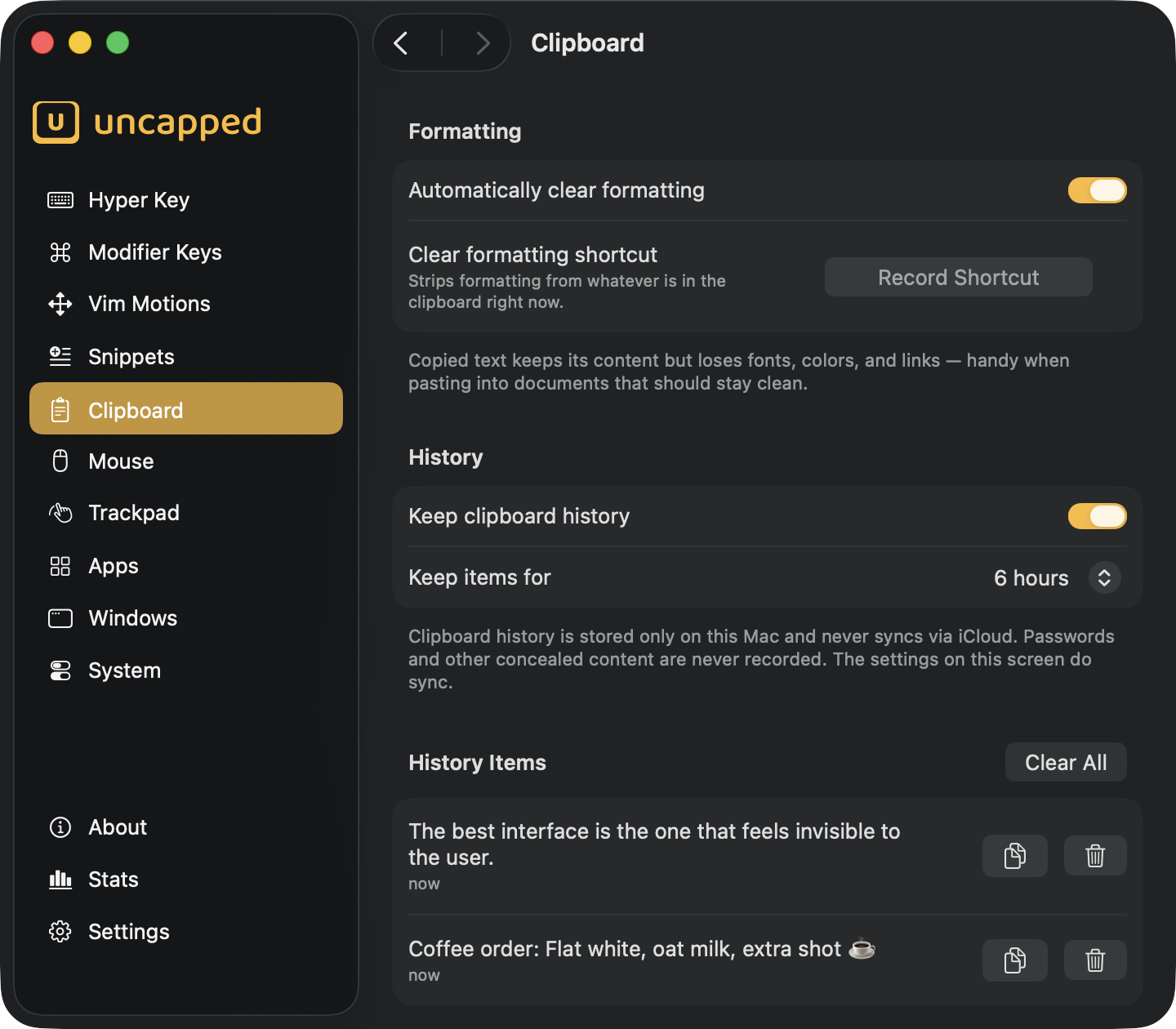
Copy from anywhere and paste plain text — with a private history of what you copied, kept only on your Mac.
Formatting, gone on copy
Fonts, colors, and links are stripped the moment you copy — or on demand, with a shortcut you choose.
A history you control
Everything you copy stays findable for as long as you choose — from six hours to a week — then quietly expires.
Private by design
History never leaves this Mac and never syncs; passwords and concealed content are never recorded.
Mouse buttons
Put your spare buttons to work
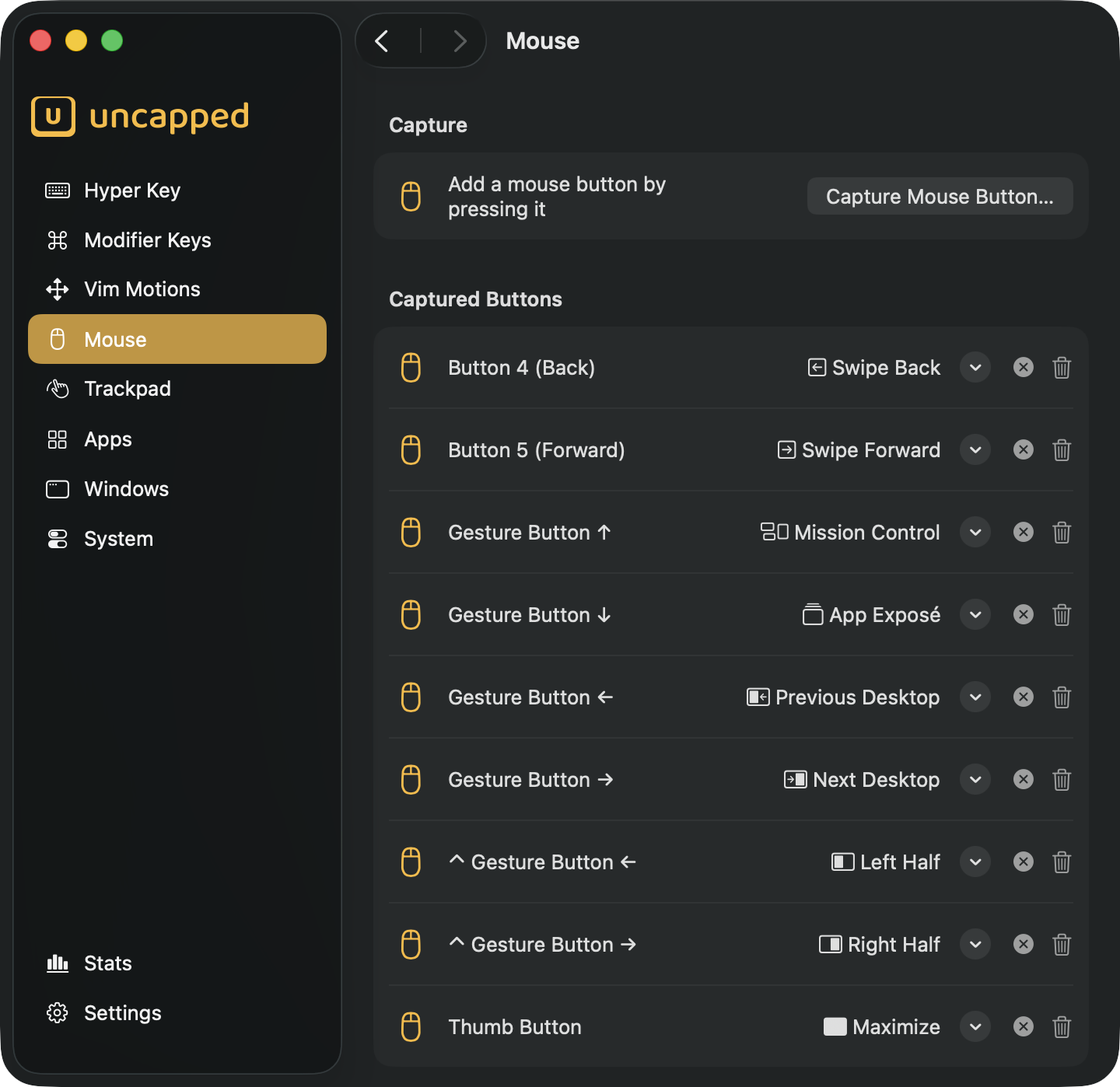
Capture the middle and side buttons and point them at anything Uncapped can do.
Four kinds of action
A button can type a shortcut, snap a window, run a system command, or fire a trackpad gesture.
Modifiers and movement multiply
Hold ⌘, ⌥, ⌃, ⇧ or flick the mouse as you press, and each combination becomes its own trigger.
Third-party mice too
Standard buttons and the extra buttons on third-party mice are both fair game.
Trackpad gestures
Gestures, now on the keyboard
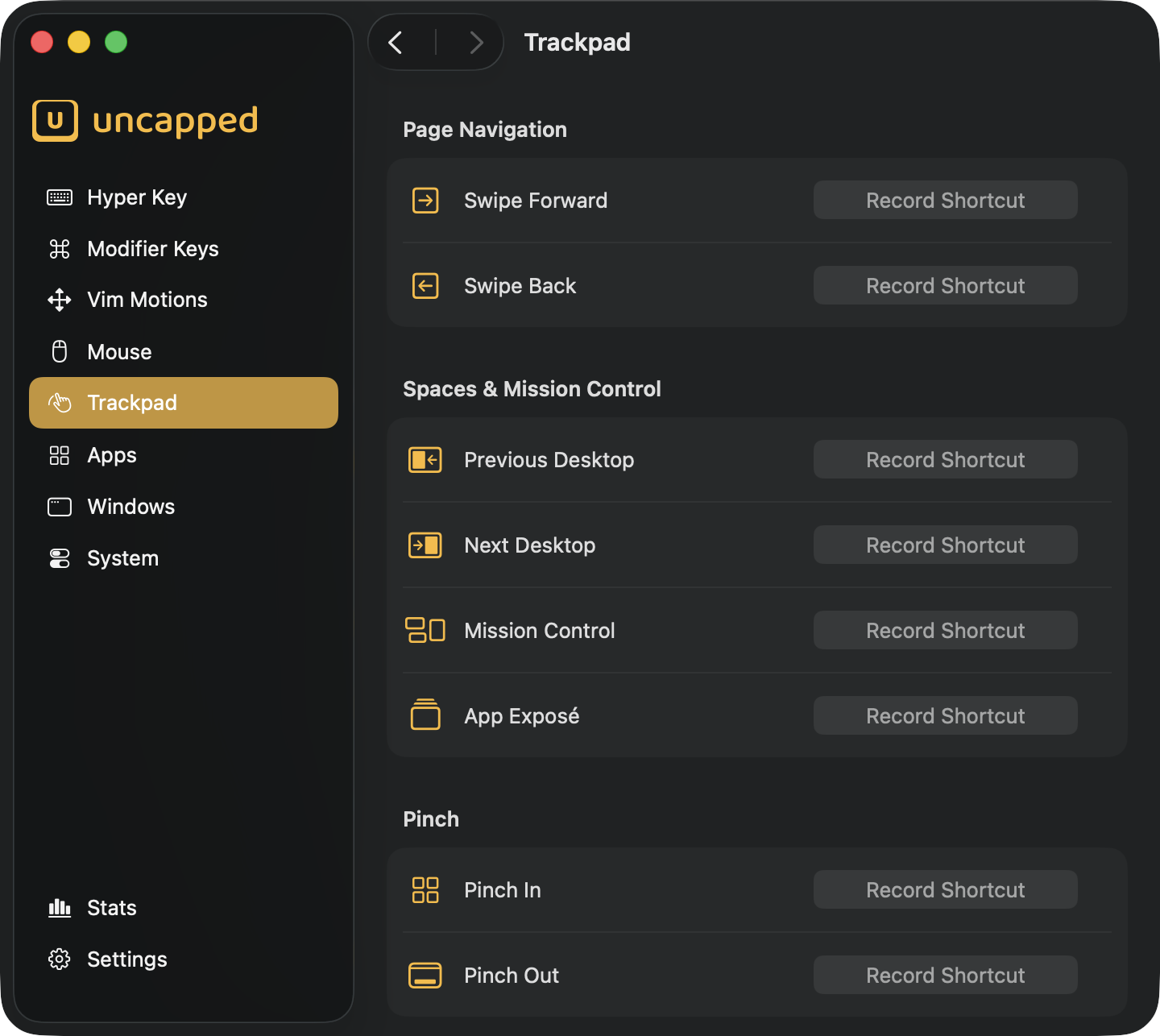
Switch desktops, open Mission Control, or swipe between pages — from a shortcut you choose.
Every multi-finger gesture gets a home on your keyboard, so the moves work even with a mouse, or when your hand never leaves the keys. Your real gestures keep working too.
App shortcuts
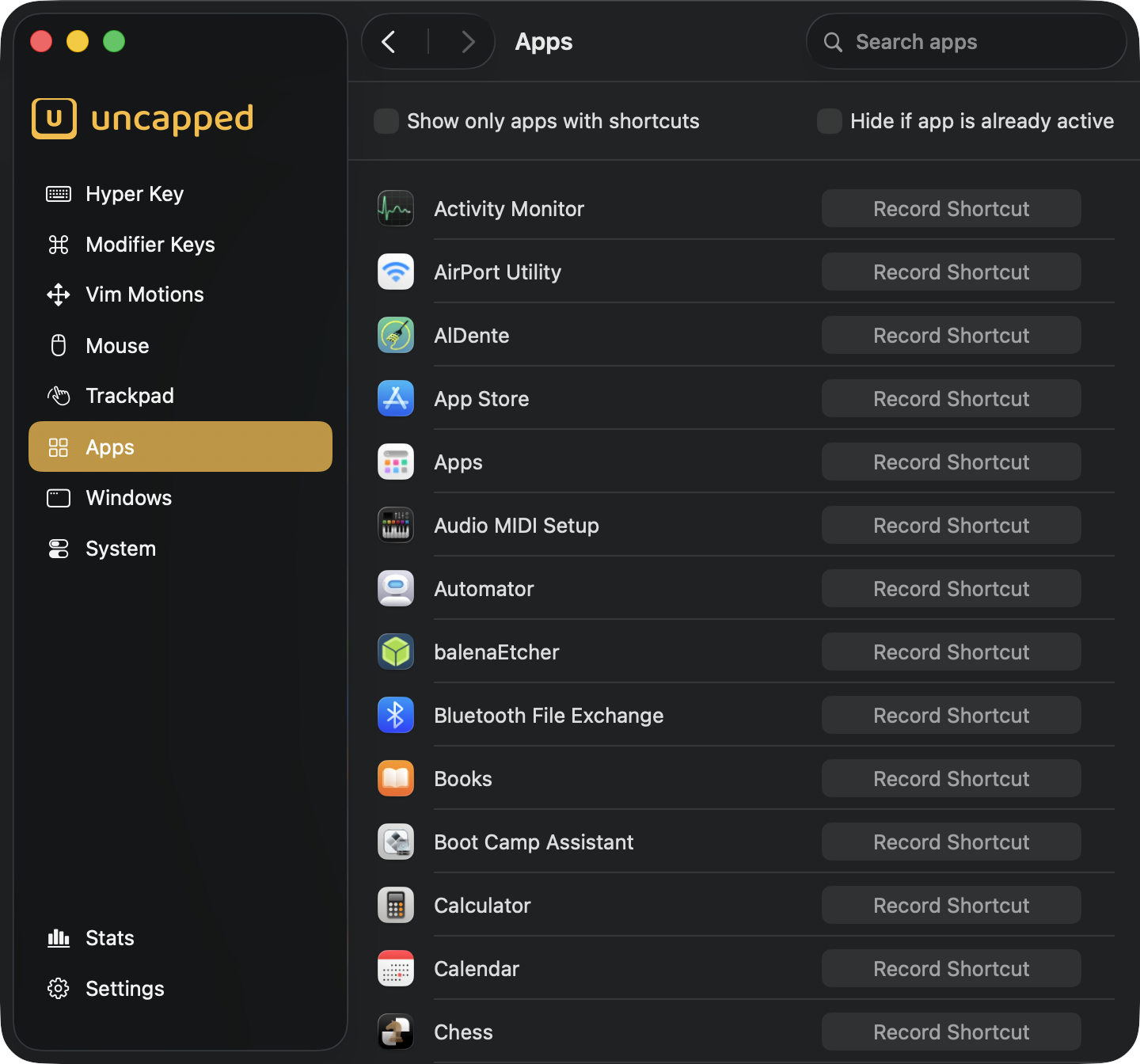
Speed-dial for every app
One key combination launches an app — or jumps straight to it if it’s already open.
Give Mail, your browser, and your terminal each their own global shortcut and land in any app instantly, from anywhere. No Dock-hunting, no window-shuffling.
Window management
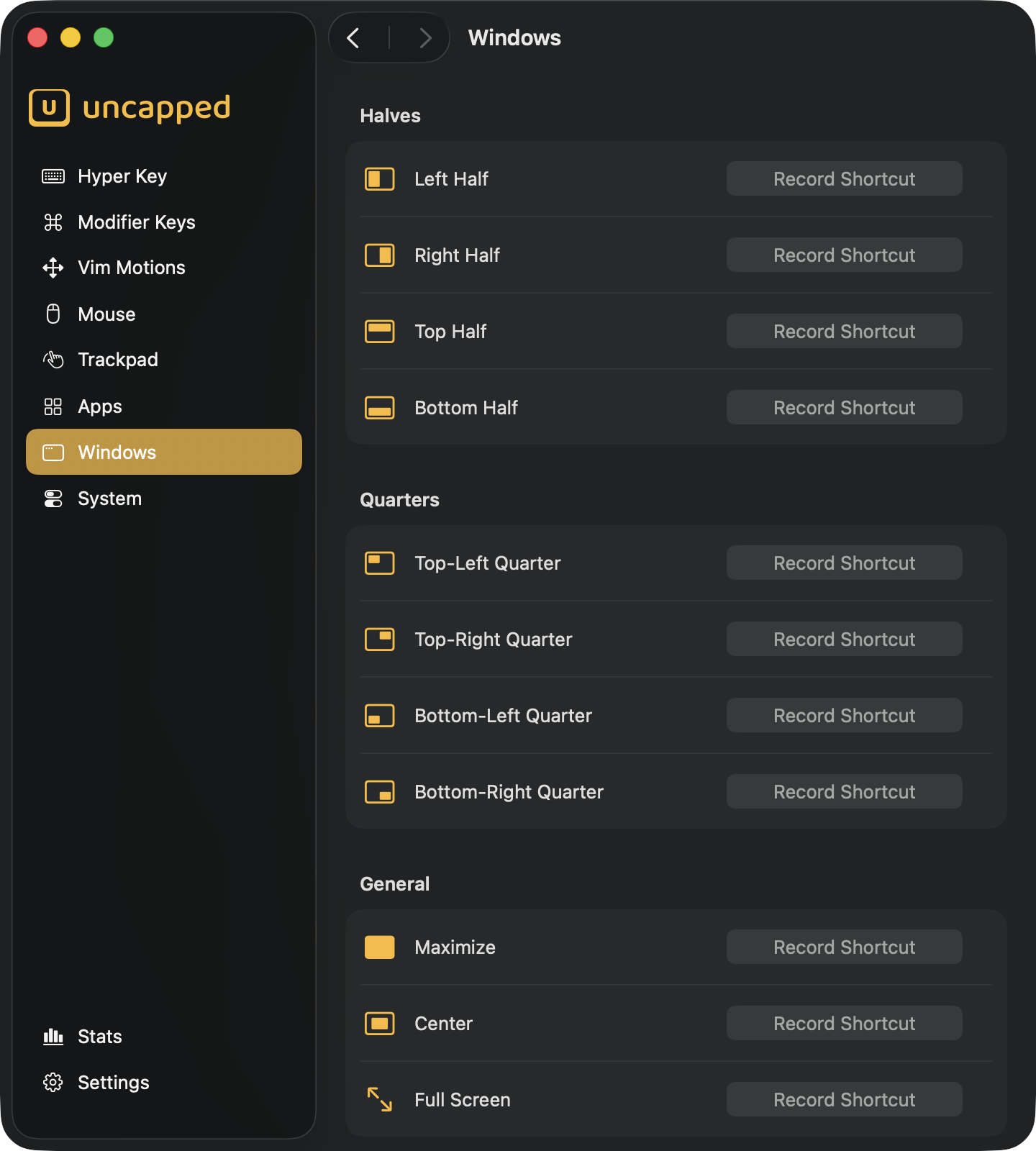
Snap windows without the mouse
Halves, quarters, center, full screen — all from a single chord.
Press your shortcut and the front window jumps exactly where you want it, respecting the menu bar, the Dock, and whichever display it sits on. Pair it with the Hyper Key and layout lives on the key you already hold.
System commands
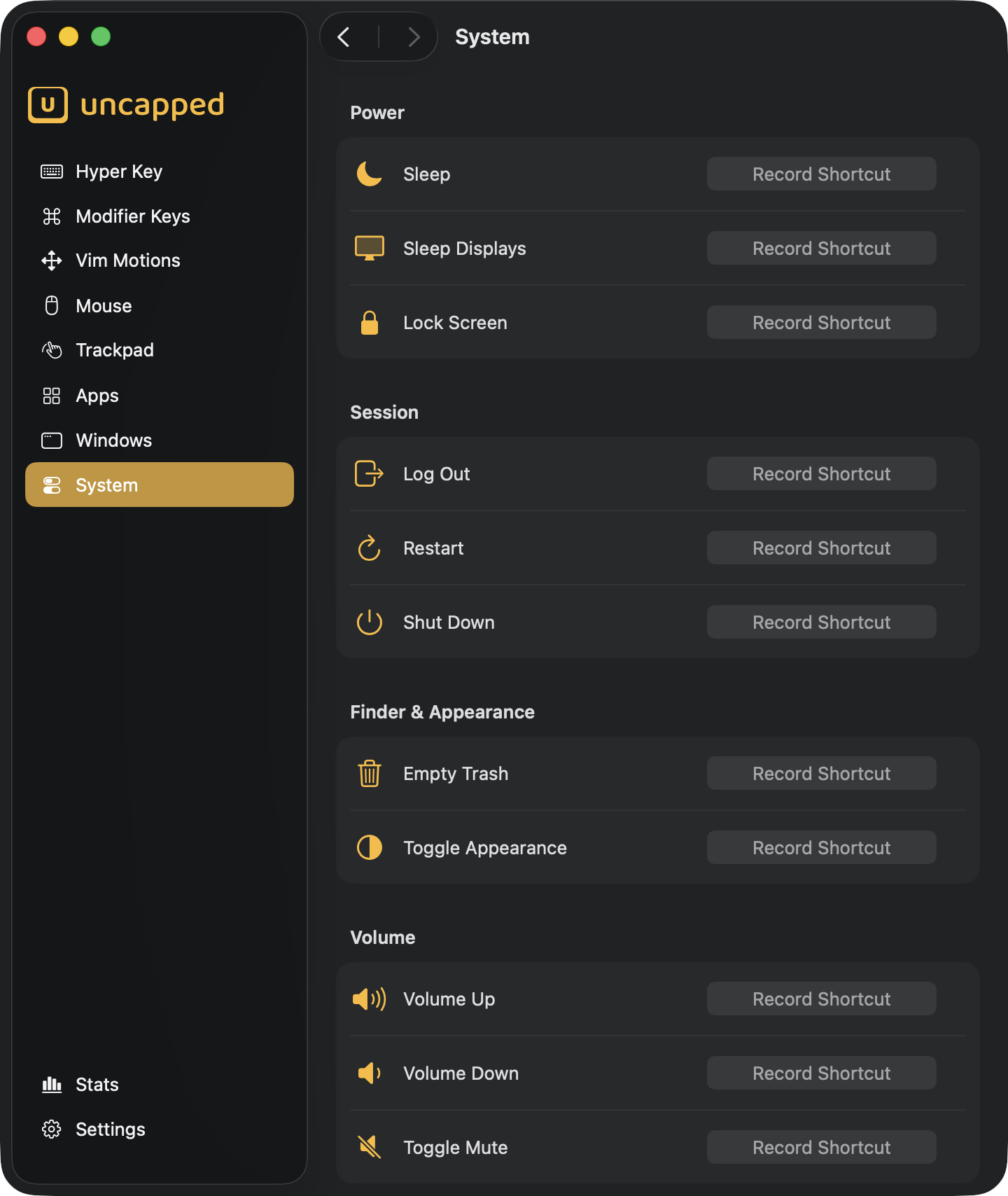
Run your Mac from the keyboard
Sleep, lock, empty the Trash, change the volume — on shortcuts you choose.
Put the everyday Mac commands you reach for on global shortcuts that fire from any app, no menu-diving required. Assign only the ones you want.
Private by design
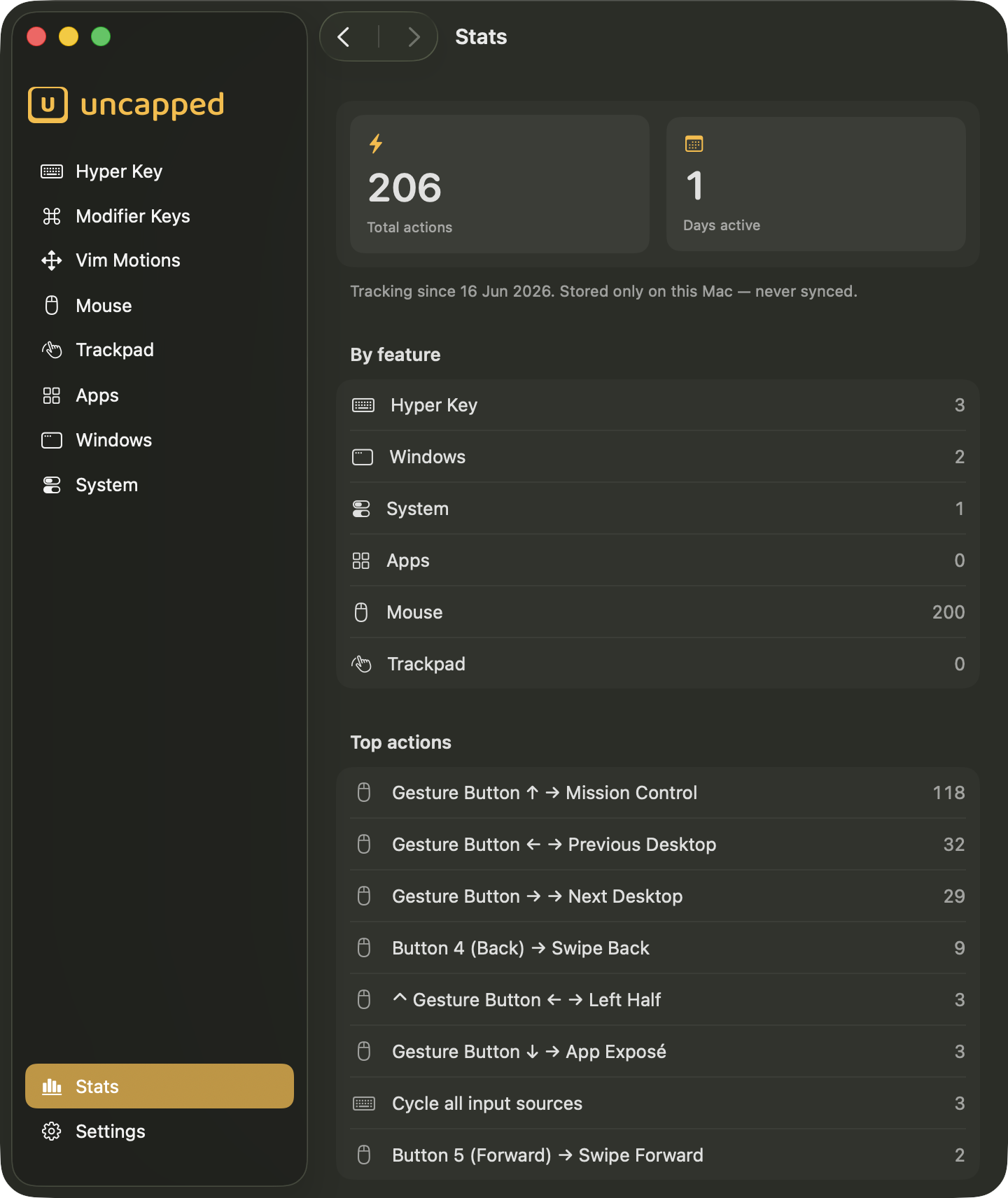
See how much you lean on it
A live, personal tally of every action you’ve triggered — and the features you reach for most.
Watch the numbers tick up as you work. Everything is counted and kept entirely on your Mac — never uploaded, shared, or synced.
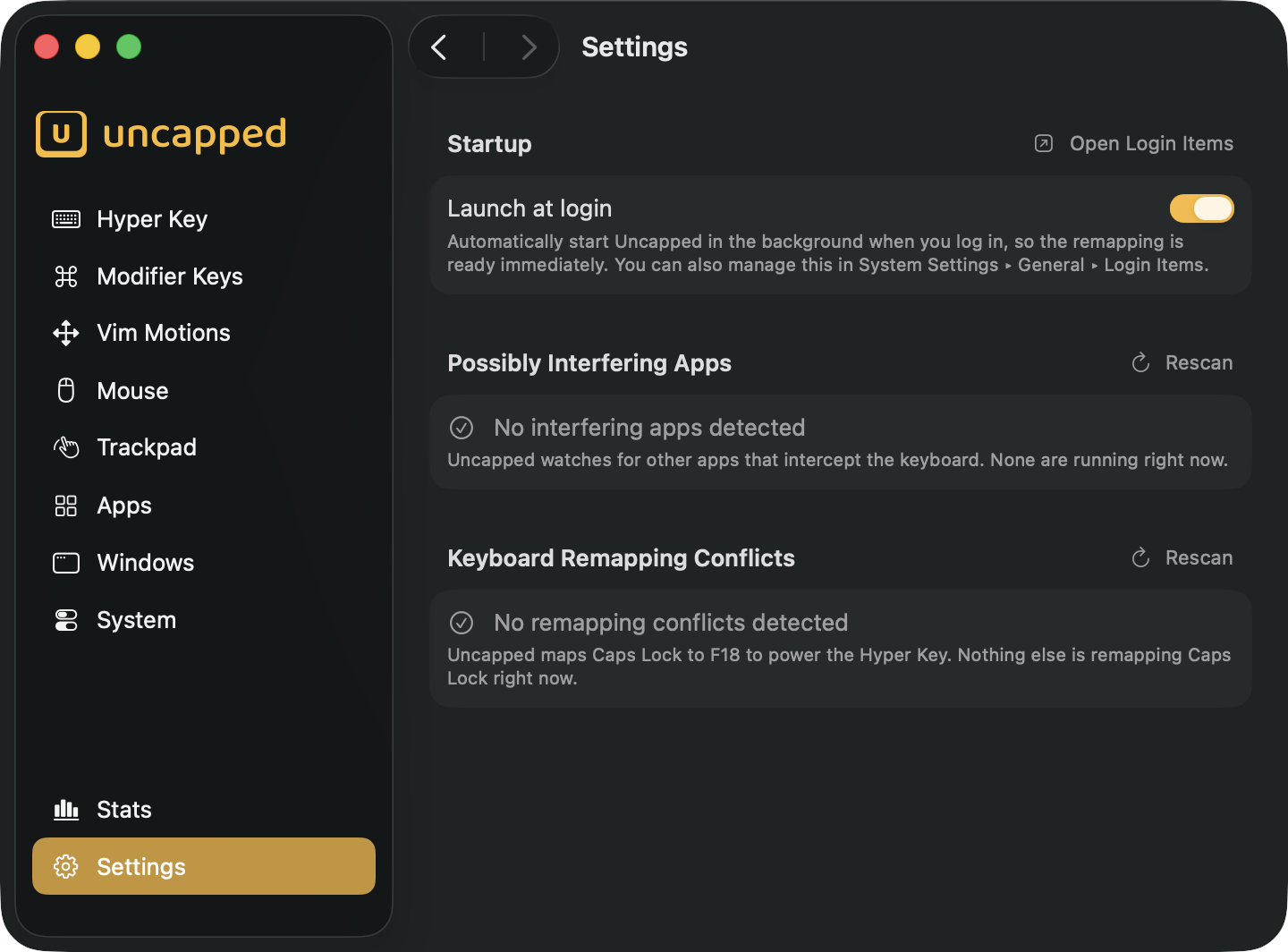
Settings
Set it up once, stay out of the way
Launch at login, plus a built-in watch for other apps that fight for your keyboard.
Uncapped flags keyboard customizers and automation tools that might collide with your remapping, so a misbehaving shortcut always has an obvious suspect.