Profile
The Me tab is your profile — the big-picture view of how your routine is going overall, along with your plan. Where Statistics zooms into a single task, this is the whole-app summary. It’s the third tab along the bottom, marked with a person icon.
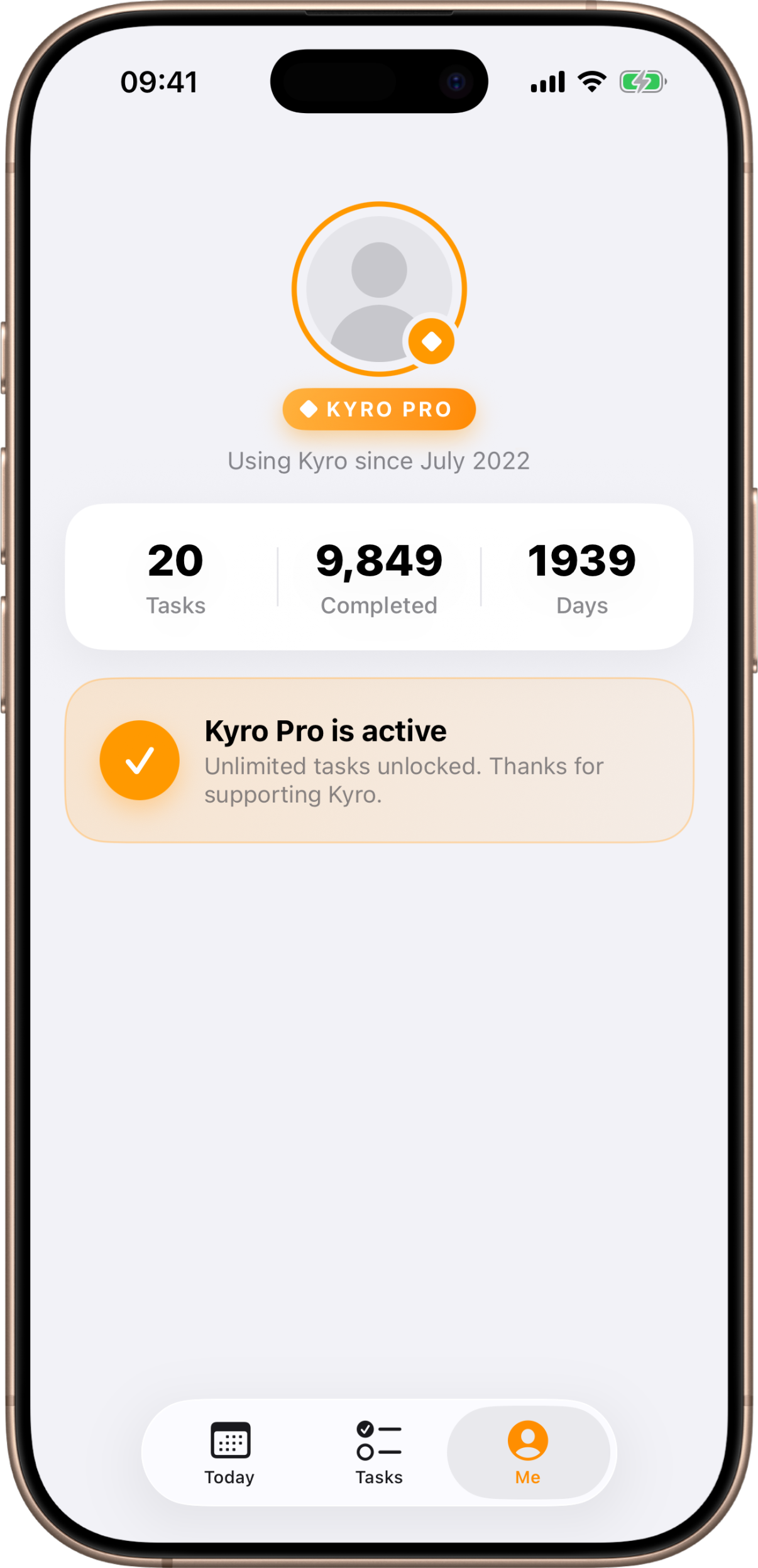
Your header
At the top is your profile block: an avatar, a plan pill showing whether you’re on FREE or KYRO PRO, and a line noting how long you’ve been using the app (“Using Kyro since” the month you installed it).
Your totals
A summary card gives you three all-time numbers:
- Tasks — how many tasks you’ve created in total, including archived ones.
- Completed — the total number of task-days you’ve completed across every task.
- Days — the number of distinct days on which you completed at least one task.
These refresh each time you open the tab (and when you return to the app), so they may lag a moment behind a box you just checked on Today — that’s normal.
Your plan
Below the totals is your plan card, which changes depending on whether you own Kyro Pro.
On the free plan
You’ll see the Kyro Pro card with a “Tasks used” meter showing how many of your five free tasks you’ve used. The free plan lets you keep up to 5 tasks (active and archived counted together). The card highlights the headline benefit — unlimited tasks — and an Unlock button showing the price.
Kyro Pro is a one-time purchase, not a subscription — buy it once and it’s yours. There’s also a Restore Purchases button, which re-checks the App Store for a purchase you’ve already made (handy on a new device or after reinstalling).
On Kyro Pro
Once you own Pro, the card simply confirms “Kyro Pro is active” and your task limit is gone. Your plan pill in the header switches to KYRO PRO as well.
For the full rundown of what Pro unlocks and how purchasing and restoring work, see Kyro Pro.
Evening reminder
Below your plan is the Evening reminder card. Turn it on and Kyro sends you one notification in the evening if you still have tasks open — and nothing on a day you’ve finished everything. You choose the time.
See Reminders for how it works.