Your day,
on track
Set the routine you want to keep, check it off each day,
and watch your streaks grow.
Today
Your routine for the day, ready to check off.
Tasks
Define the habits you want to keep, once.
Streaks
Every day you show up builds the streak.
Statistics
See how each habit is really going over time.
Counters
Track how many, not just done or not done.
Insights
Charts and trends for the habits you count.
iCloud Sync
Your routine, on every device you own.
Reminders
A gentle evening nudge — only if tasks are still open.
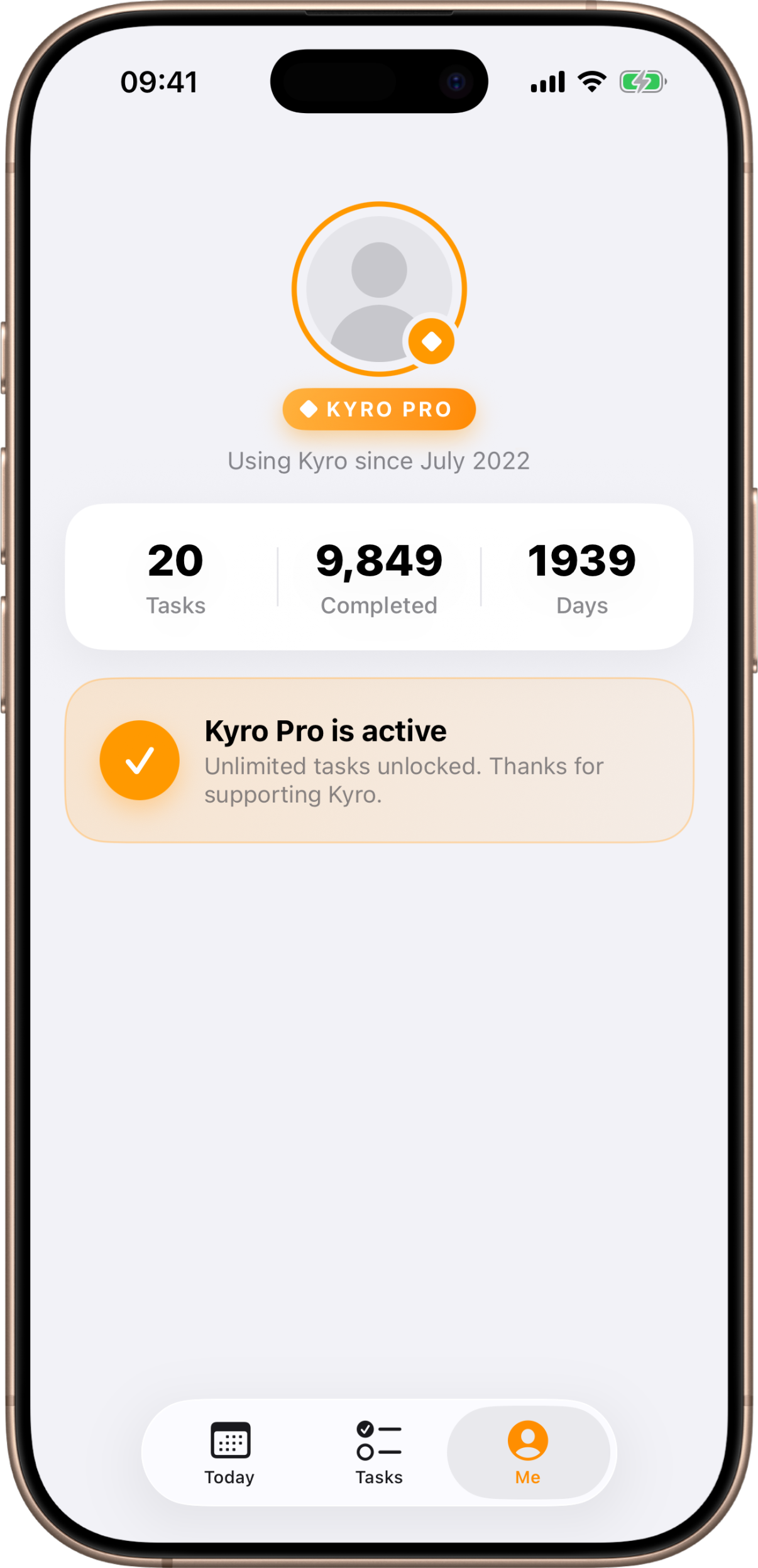
Kyro Pro
Unlimited tasks, one simple purchase.
Every day
A routine you actually keep
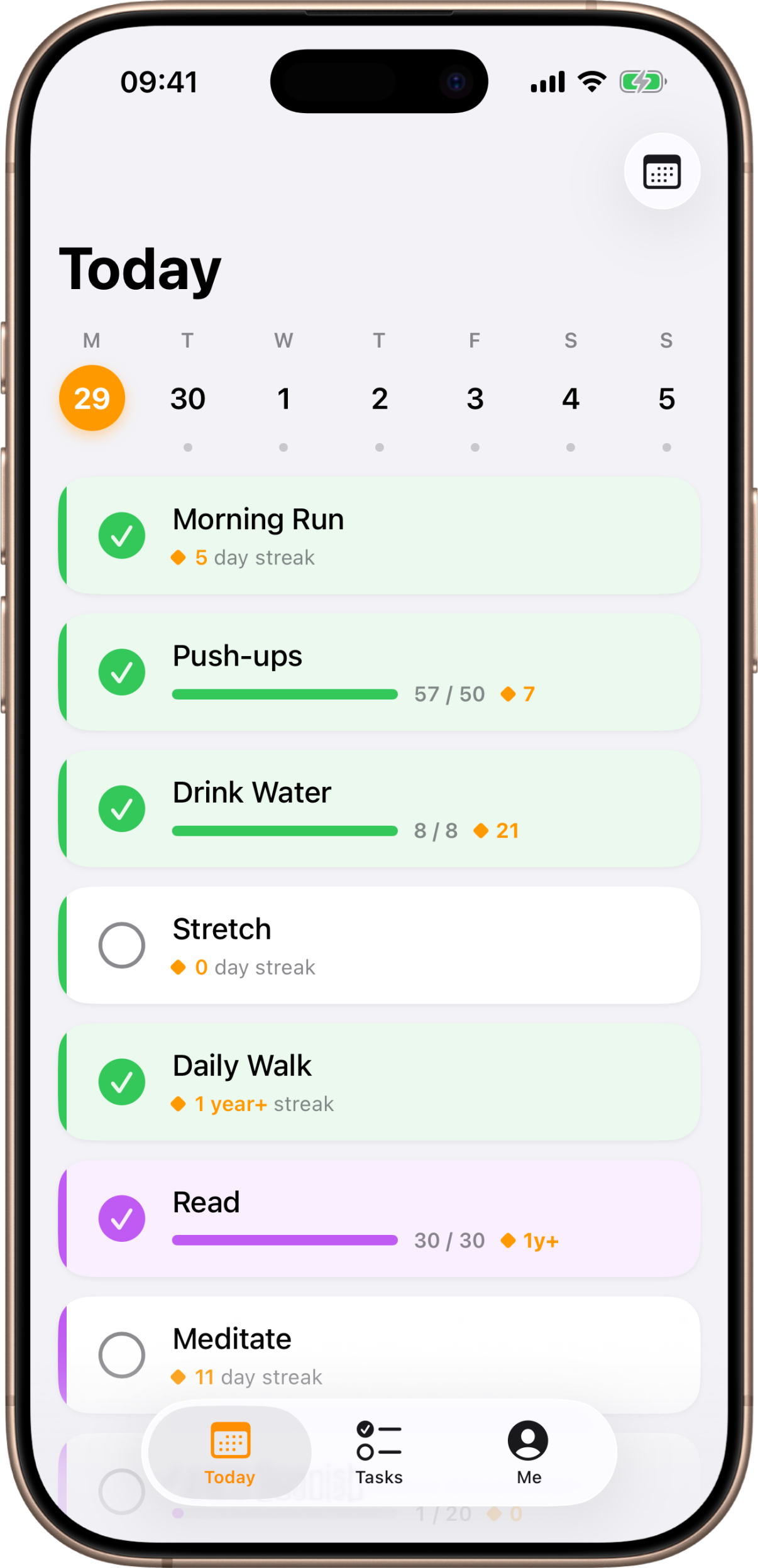
Kyro shows you just today — the handful of things you decided matter — so you can check them off one by one and get on with your day. No clutter, no backlog, just what’s in front of you.
Only today, front and center
The Today tab lists the tasks that are active for the day, and nothing else.
Check it off in a tap
Mark a habit done and it’s logged for the day — miss one and it’s simply left undone.
Simple or counted
Some habits are just done-or-not; others count up — Kyro handles both.
Stay motivated
Watch your streaks grow
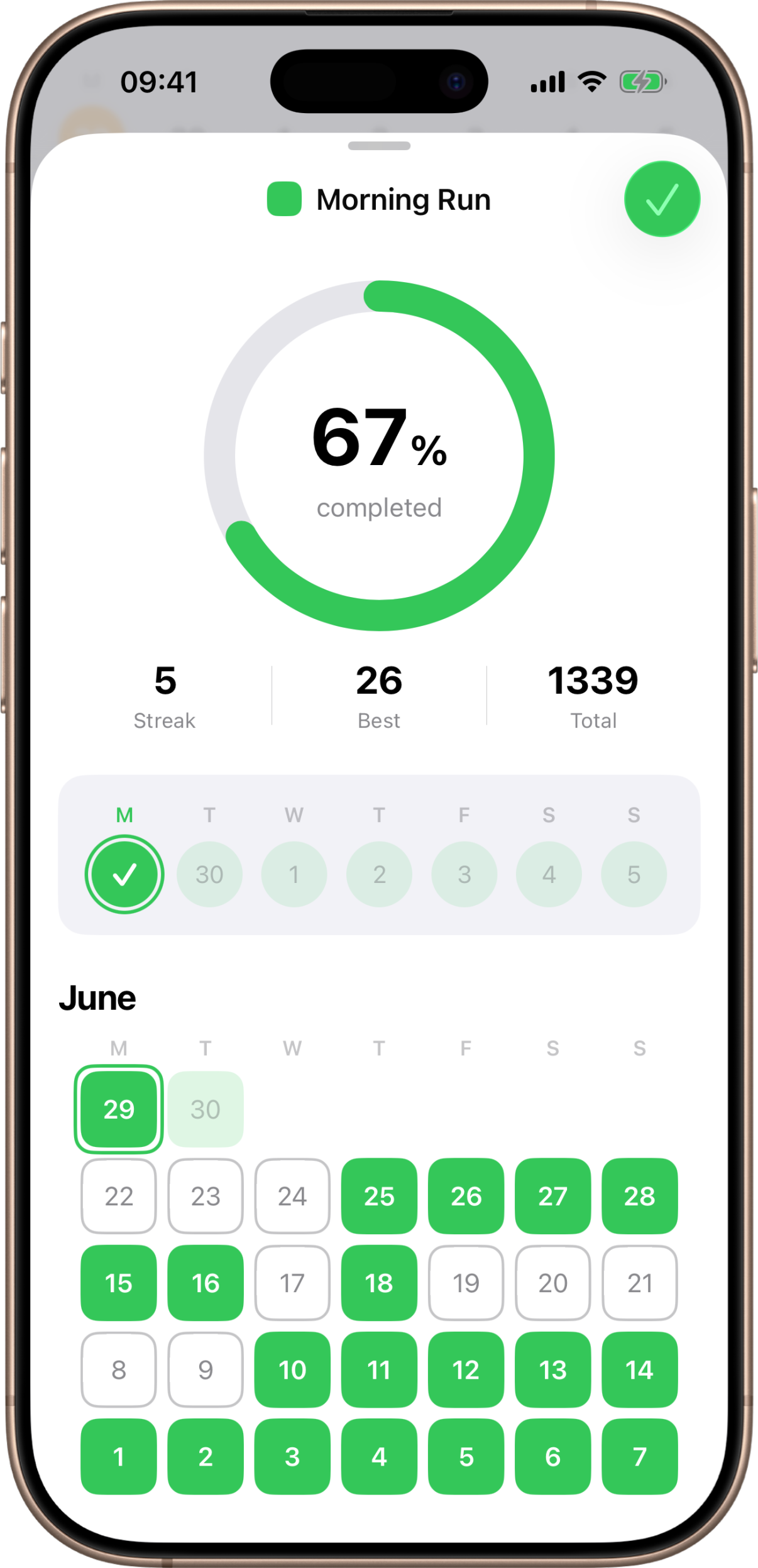
Every day you keep a habit adds to its streak. Kyro turns your consistency into something you can see — and something you won’t want to break.
Open a task’s statistics to see your run of good days, a month-at-a-glance grid, and how often you’ve kept it. It’s the quiet nudge that keeps a routine going.
Insights
See the shape of your habit
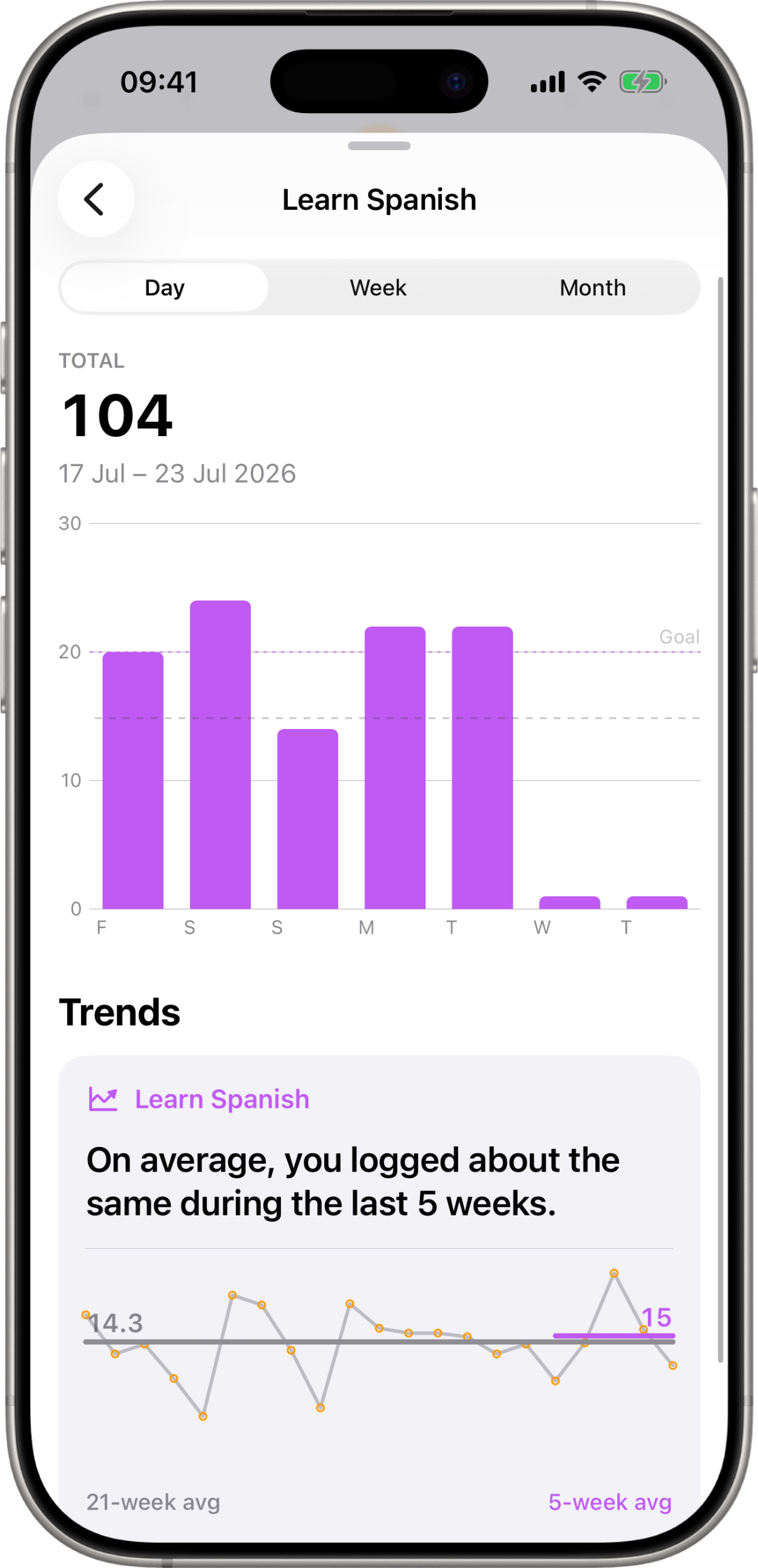
For the habits you count, Kyro turns every number you’ve logged into a chart you can scroll through — by day, by week, or by month — and tells you in plain English whether you’re doing more or less lately.
Day, week or month
Switch the view and scroll back as far as your history goes.
Are you doing more, or less?
Kyro compares your last five weeks against the months before them.
Your goal, drawn in
A goal line across the chart shows which days you actually hit your target.
Set it once
Define the habits that matter
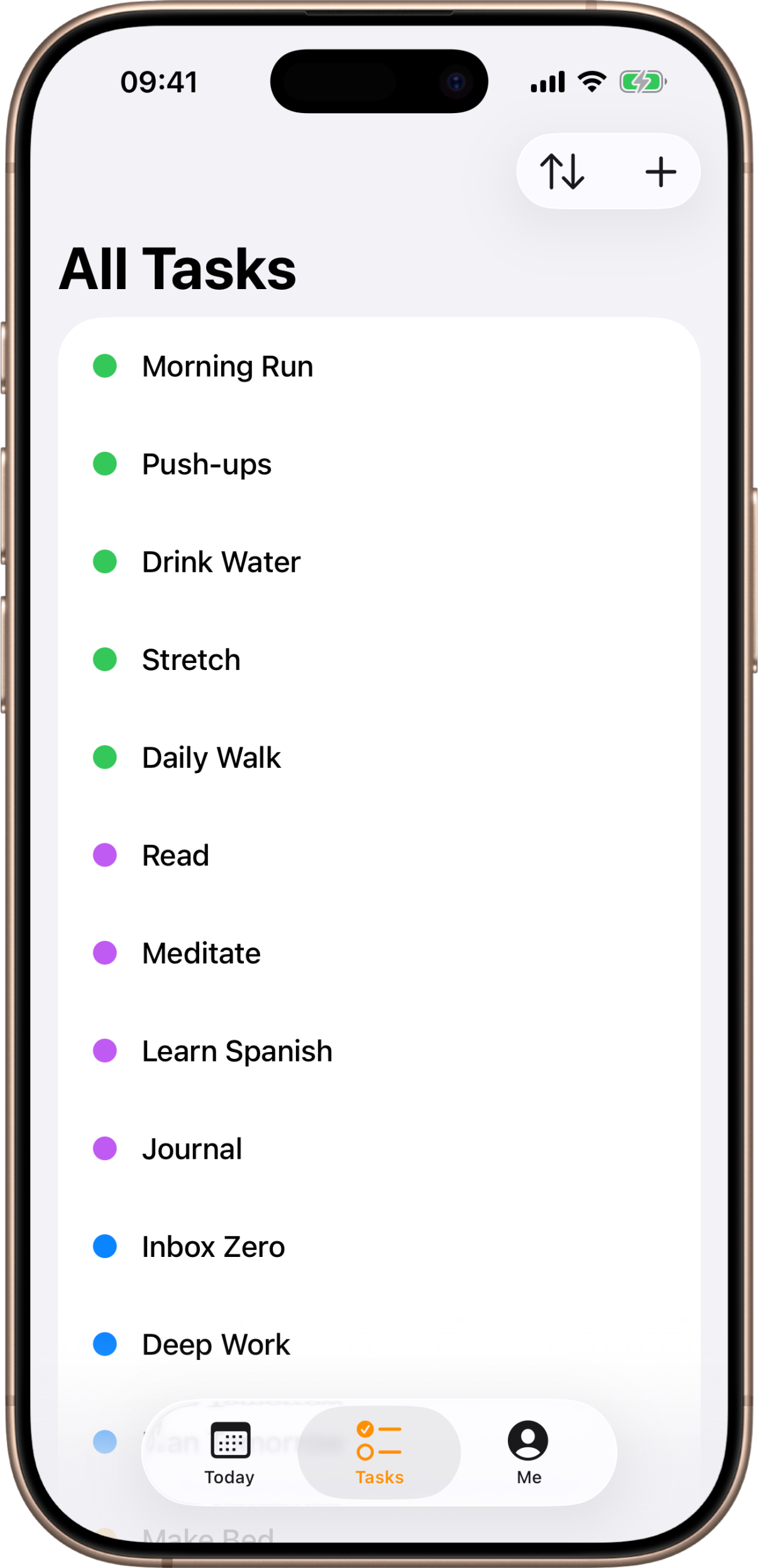
Add the things you want to do each day, give each one a color, and Kyro takes care of the rest — bringing them back every day so you never have to set them up again.
Your routine, your way
Build the exact set of daily habits you want to keep, and edit them anytime.
Color-coded at a glance
Give each task a color so your day is easy to scan.
Nothing is ever lost
Retire a habit and your history stays intact — days you kept it are still yours.
Everywhere you are
On all your devices, in sync
Kyro keeps your routine and your history in your own iCloud, so it’s the same on your iPhone and iPad — and back the moment you set up a new one.
Your data lives in your private iCloud, not on our servers. Check a habit off on one device and it’s there on the others, quietly and automatically.
Ready to build better days?