Your shopping,
sorted
Shopping lists, a built-in price scanner, and every shop you visit
— together in one app.
Products
Keep the things you buy in one organized place.
Shopping List
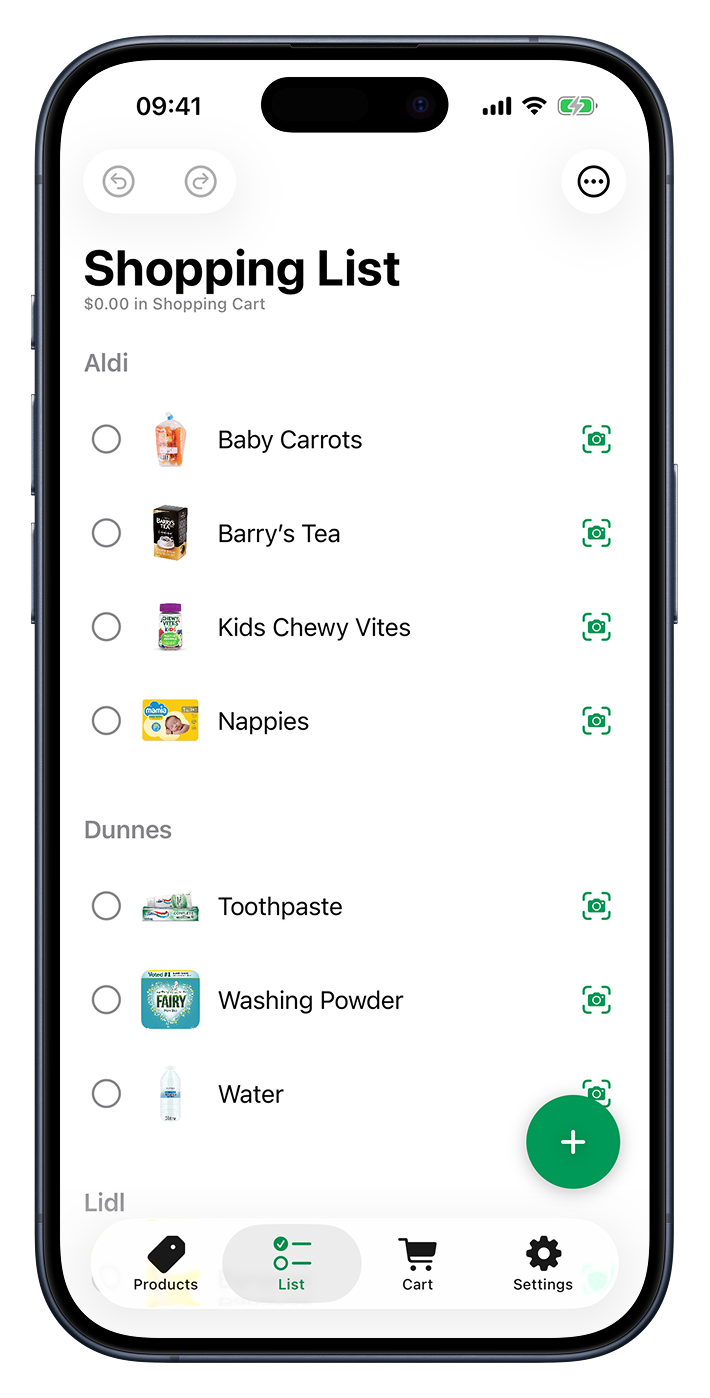
Plan what you need before you head to the shop.
Shopping Cart
Track what’s going in the cart as you shop.
Price Scanner
Scan a barcode to capture and compare prices.
Shops
Save the shops you visit and what they carry.
History
Look back at past trips and what you paid.
Household Sharing
Share your list with the people you shop for.
Settings
Make Cartsy work the way you shop.
No typing
Scan the tag, skip the keyboard
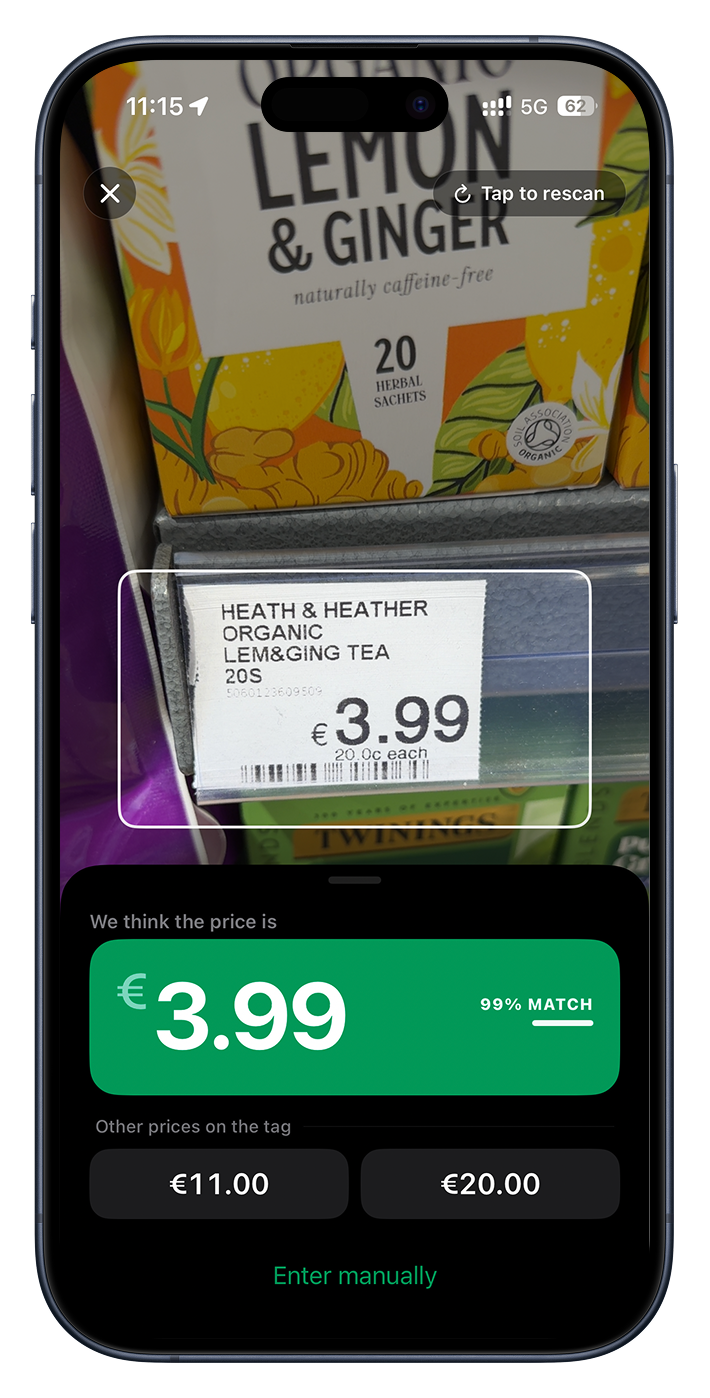
Point your camera at a shelf tag and Cartsy reads the price straight off it — then you tap to confirm. No fiddling with a keyboard while you’ve got a basket in one hand.
Reads the printed price
Works on any tag with a number on it — no barcode required.
Confident and automatic
Cartsy gathers what it sees and slides the result up on its own — there’s no button to press.
Picks the right number
Spotted a unit price or a “was” price too? They’re listed below so you can tap the one you meant.
Plan ahead
A list you actually shop from
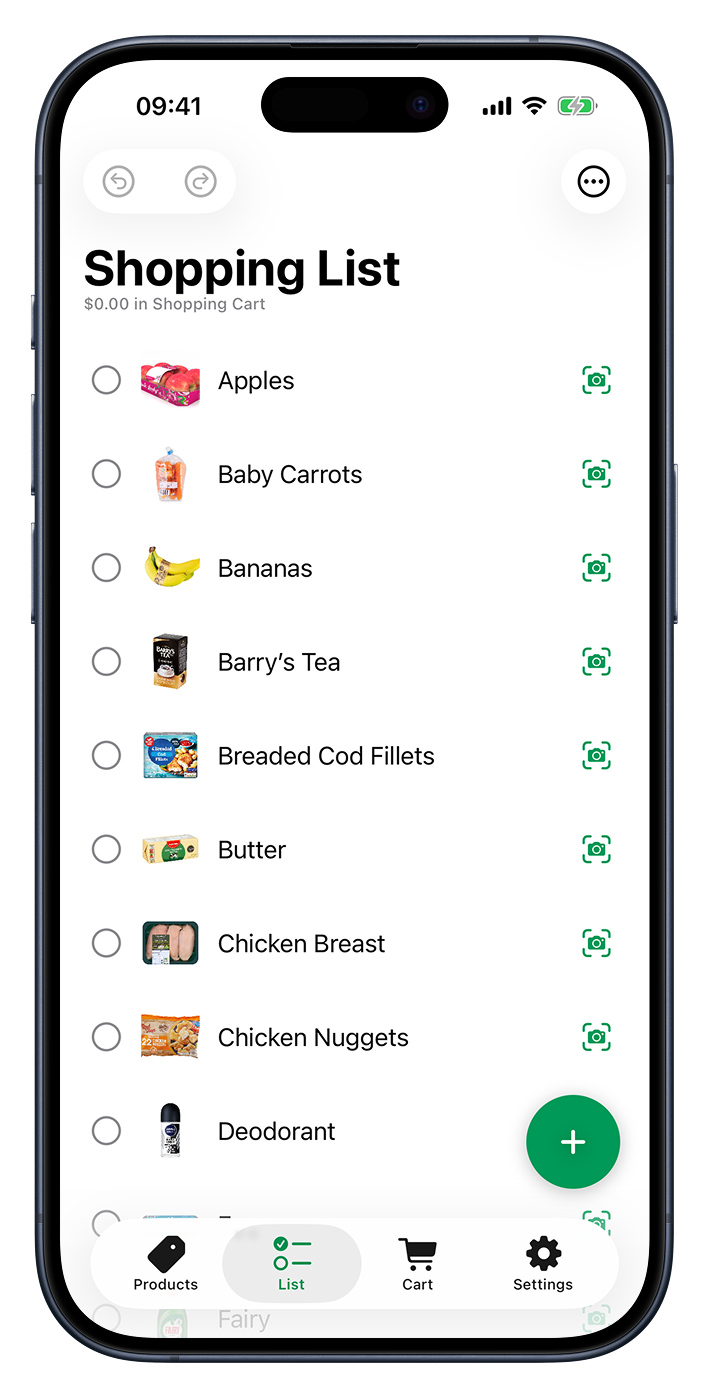
Jot down everything you need before you head out, then tick items off one by one as they go in the basket — so you always know what’s left to grab.
Add it your way
Type items in, or swipe a saved product to drop it straight onto the list.
Tick as you go
Checked items slide to the bottom, so the things you still need stay up top.
Scan to check off
Scan an item’s price tag to add it to your cart and tick it off your list in one go.
Real-time total
Know the total before the till
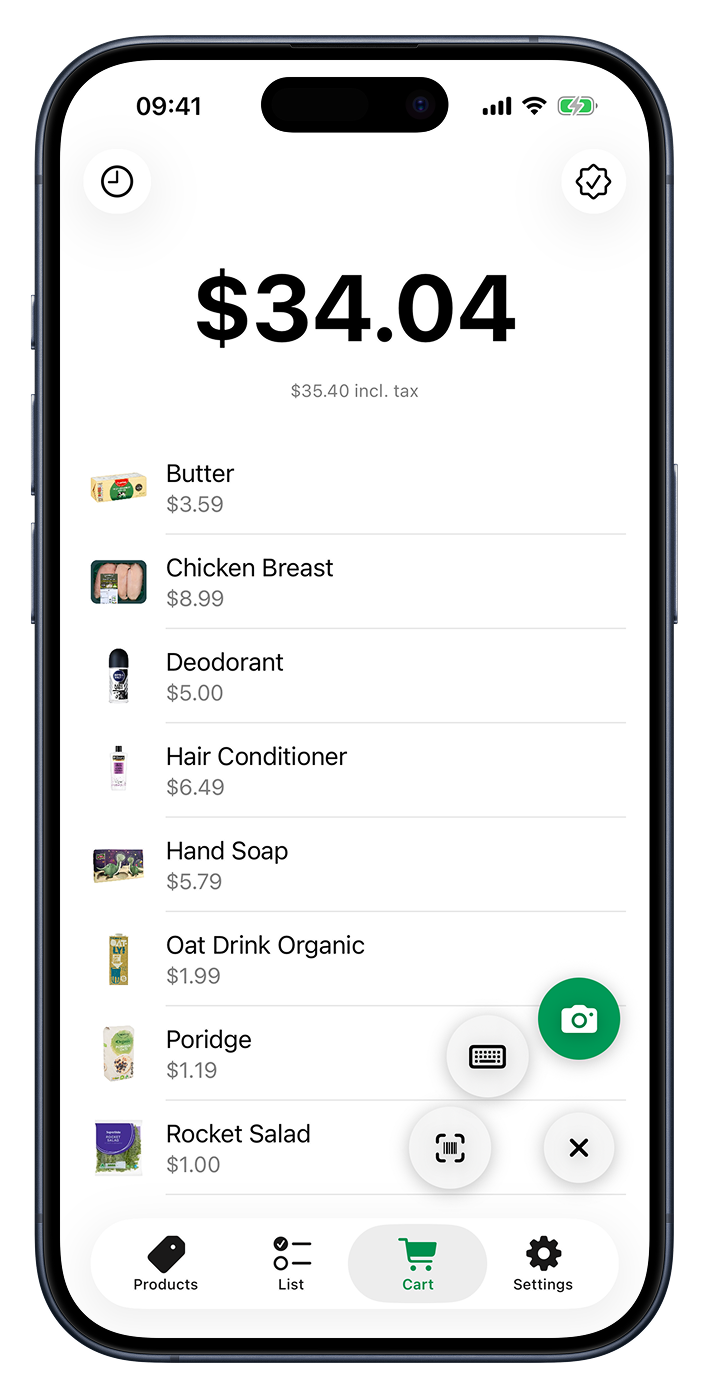
Add each item as it goes in your basket and watch the total tick up — so there are no surprises when you reach the checkout.
The big number at the top updates the instant you add or remove something, and tucks itself into the title bar as you scroll so it’s always in view. Set a tax rate and Cartsy shows the tax-included figure right beneath it.
Your shelf
Add it once, reuse it forever
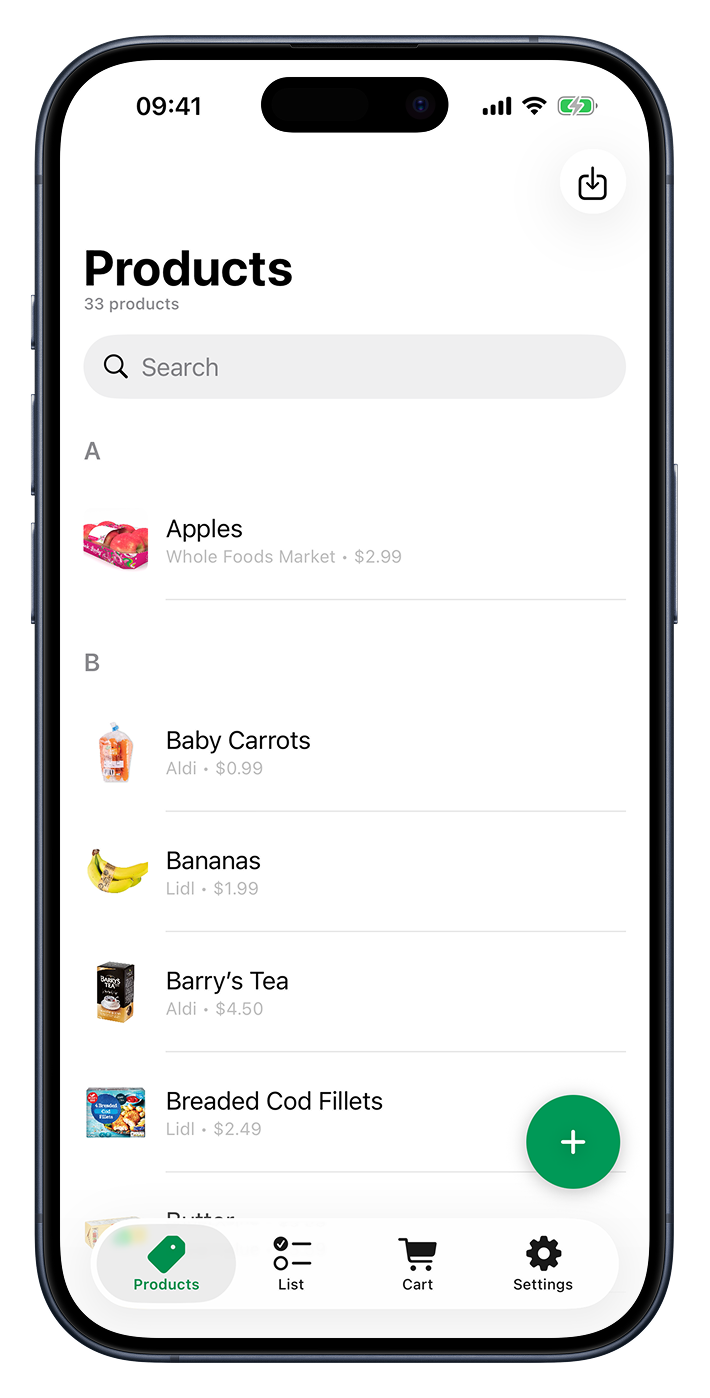
Keep the things you normally buy in one organized place. After that, dropping one onto a list or into your cart takes a single tap.
Photos and prices
Give a product a picture and a price so it’s easy to spot and ready to add.
Barcodes built in
Save a product’s code and pull it back up as a scannable barcode at the checkout.
Know where you buy it
Assign a shop so your lists can sort themselves by store.
Stay organized
Sort your shop by store
Tag each product with the place you buy it, and Cartsy groups your shopping list by store — so you’re not doubling back across the aisles.
Shops are deliberately simple: a shop is just a name, added right when you need one. They also keep your past trips filed under where each one happened.
Look back
Every trip, kept for later
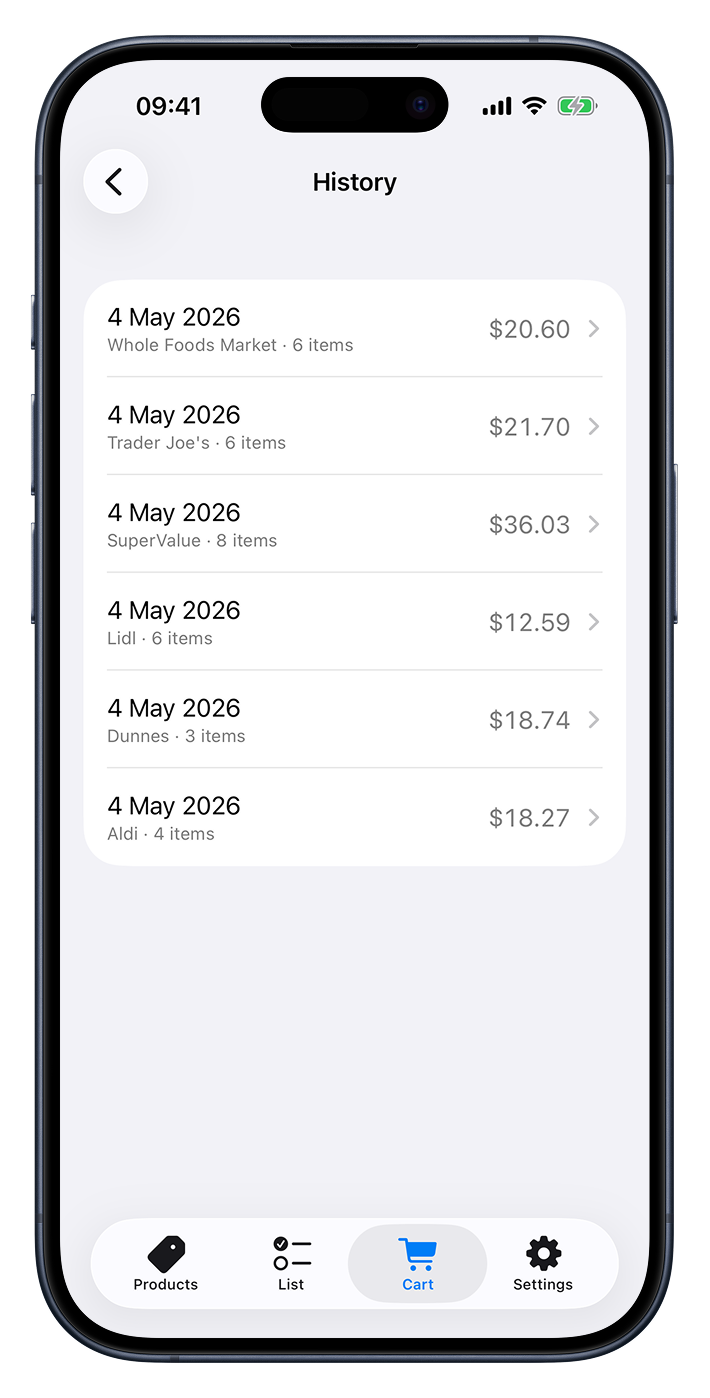
Check out from your cart and Cartsy archives the whole trip — what you bought, where, and what it came to — then starts a fresh cart for next time.
Browse past trips newest-first with their totals, and open any one to see every item and the price you paid — handy for remembering what something cost last time.
Shop together
One list for the whole house
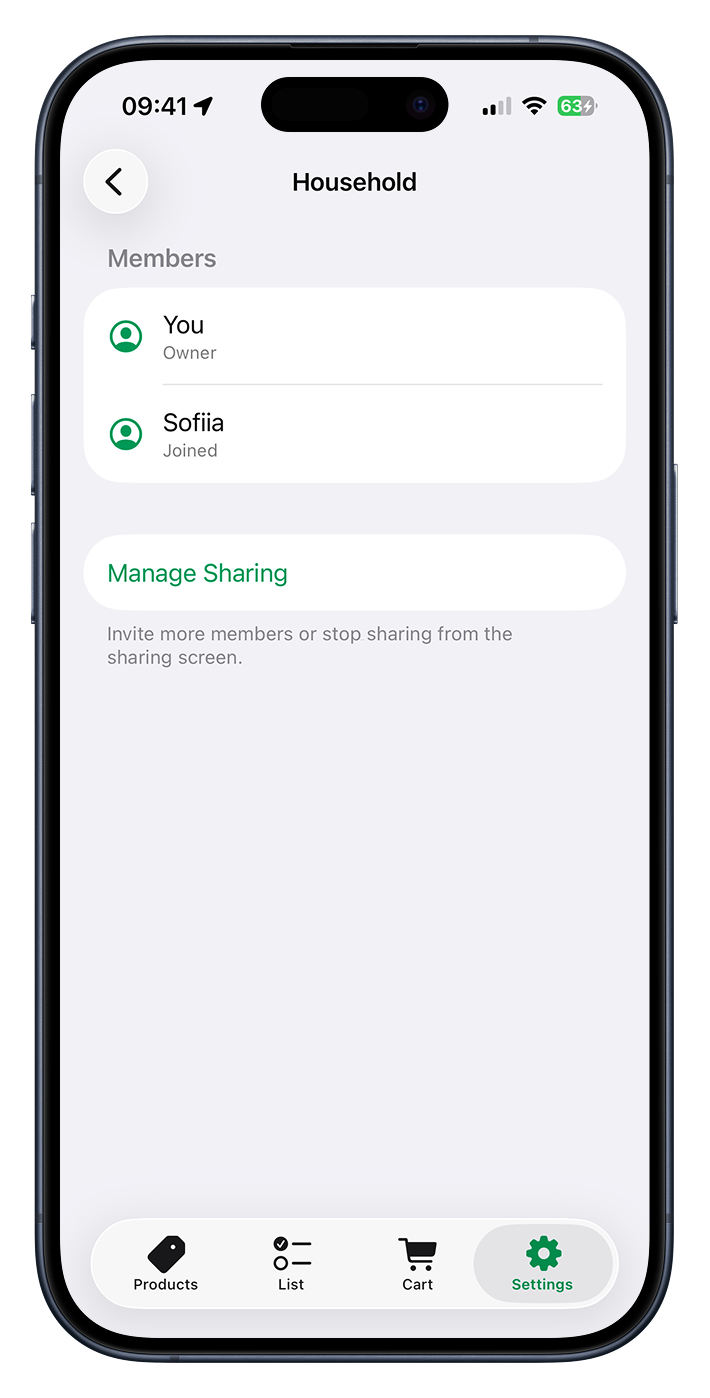
Share your products, shops, and shopping list with your family, and everyone shops from the same page — add milk on your phone and it’s on theirs a moment later.
Invite in a couple of taps
Send an invitation from Messages or Mail — anyone you invite joins your household.
Everyone stays in sync
Add an item or tick one off and it updates for everyone, live, over iCloud.
Private and yours
Invite-only, built on iCloud sharing, and free on every plan.
Ready to shop smarter?